whoot.
Venues & eventsIncident managementMartyn's LawPricingFeatures
Sign inStart free
Venues & eventsIncident managementMartyn's LawPricingFeatures
Sign inStart free

Event & incident management, built on live voice.

One platform to run the day and to deal with whatever goes wrong. Alert every device, text any phone, see your people on a live map and account for each of them, on the voice rooms your team has been talking in all day.

Start free trialBook a demo14 days · full access · no card
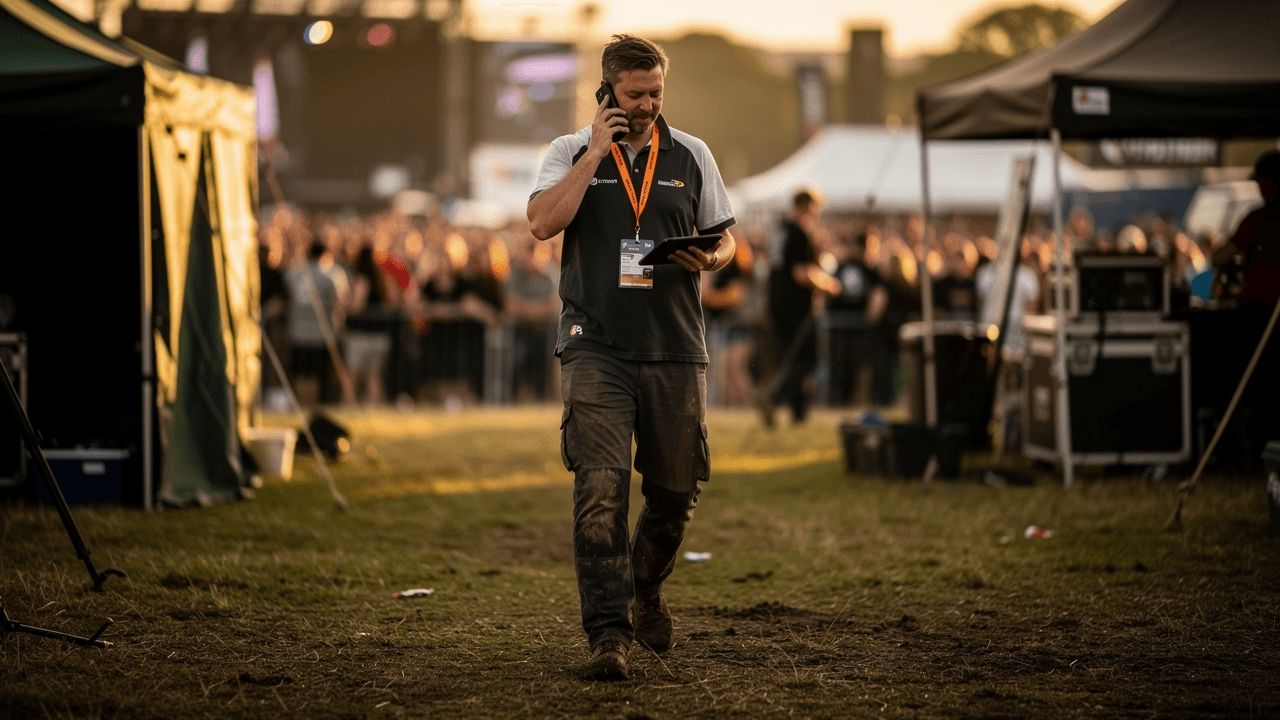
An event operations manager on the phone, tablet in hand, walking across a festival site at golden hour with the crowd behind him
Event operations.
  • Two-way SMS to any phone
  • Live incident map
  • No app for the public
  • Recorded and transcribed
Sheet 1Occurrence log · Event day · Worked example, figures illustrative
TimeFromEntryActionNowBefore the gates07:40:00
Now
Index
  • 07:40Before the gates
  • 12:05Gates open
  • 14:31Something happens
  • 22:15Gates closed
07:40

Control

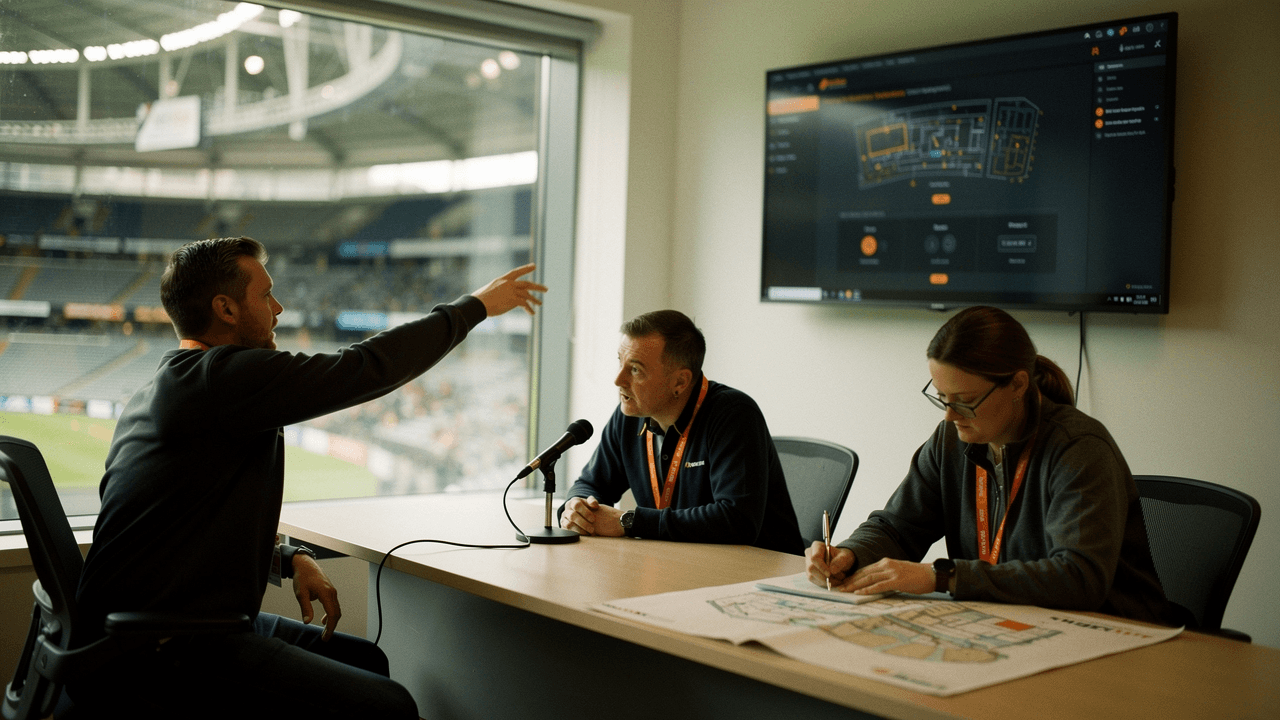
Three members of an event control team briefing at a desk beside a wall screen, the arena bowl visible through the window
Pre-gates briefing.

Rooms, lists and scenarios, set up before anyone arrives.

You set up rooms for control, stewards and medical, and a recipient list that fills itself from a QR poster. The scenarios are written from your own risk assessment, and your own venue plan goes under the live map, marked up with gates, cordons and assembly points.

Pre-event checks
  • Scenario tiles written from your plan
  • QR sign-up posters at the gates
  • Venue plan annotated under the live map
  • Drill run through the real flow, marked as a drill
12:05

Gates open

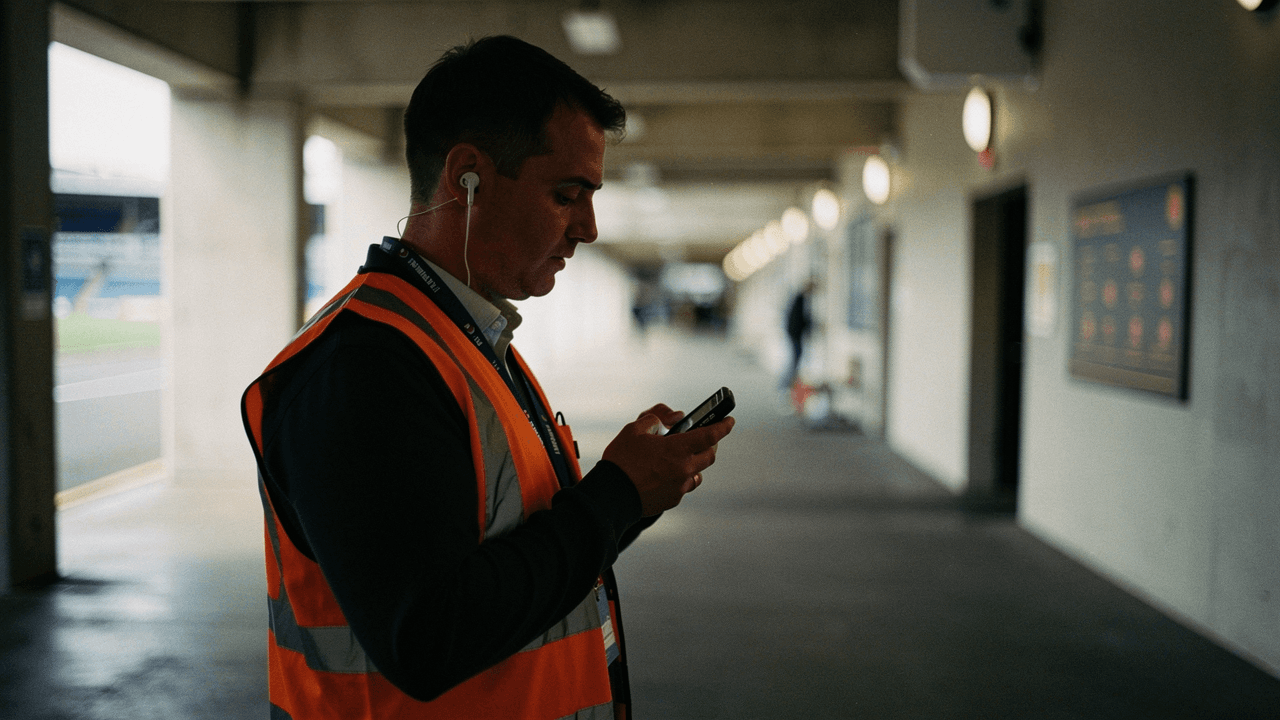
A steward in an orange hi-vis vest and earpiece checking his phone on a stadium concourse
Gates open.

Run the day on live voice.

Zone rooms stay open all day: hold a button, speak, and the whole team hears it. Members of the public report what they see through the same QR poster, photo or voice note attached, and it all lands in one queue. Say “Control, log” and the occurrence book writes itself, under the speaker’s name.

  • Always-on rooms by zone and by team
  • Public issue reports with photo and voice note
  • A voice log with the recording behind every line
  • Live monitoring across every room for the duty manager

whoot. for venues and events

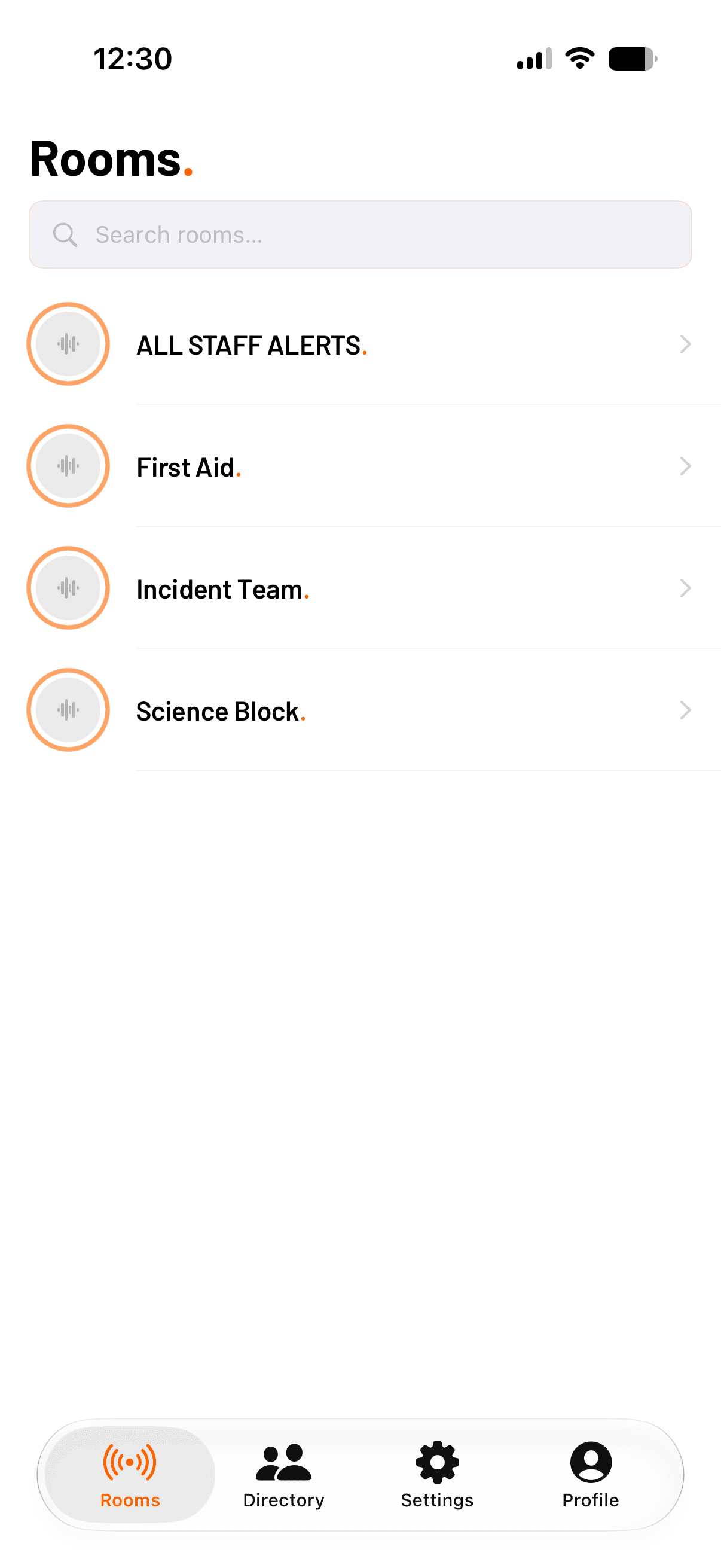
whoot. for iOS: the Rooms list, each room with its live status
Attachment 01whoot. for iOS, Rooms. Actual screen.
whoot. for iOS: a room while transmitting, the hold-to-talk control pressed
Attachment 02whoot. for iOS, transmitting. Actual screen.
12:40

Gate 3

Posters go up at every gate, and the list fills from the crowd’s own phones.

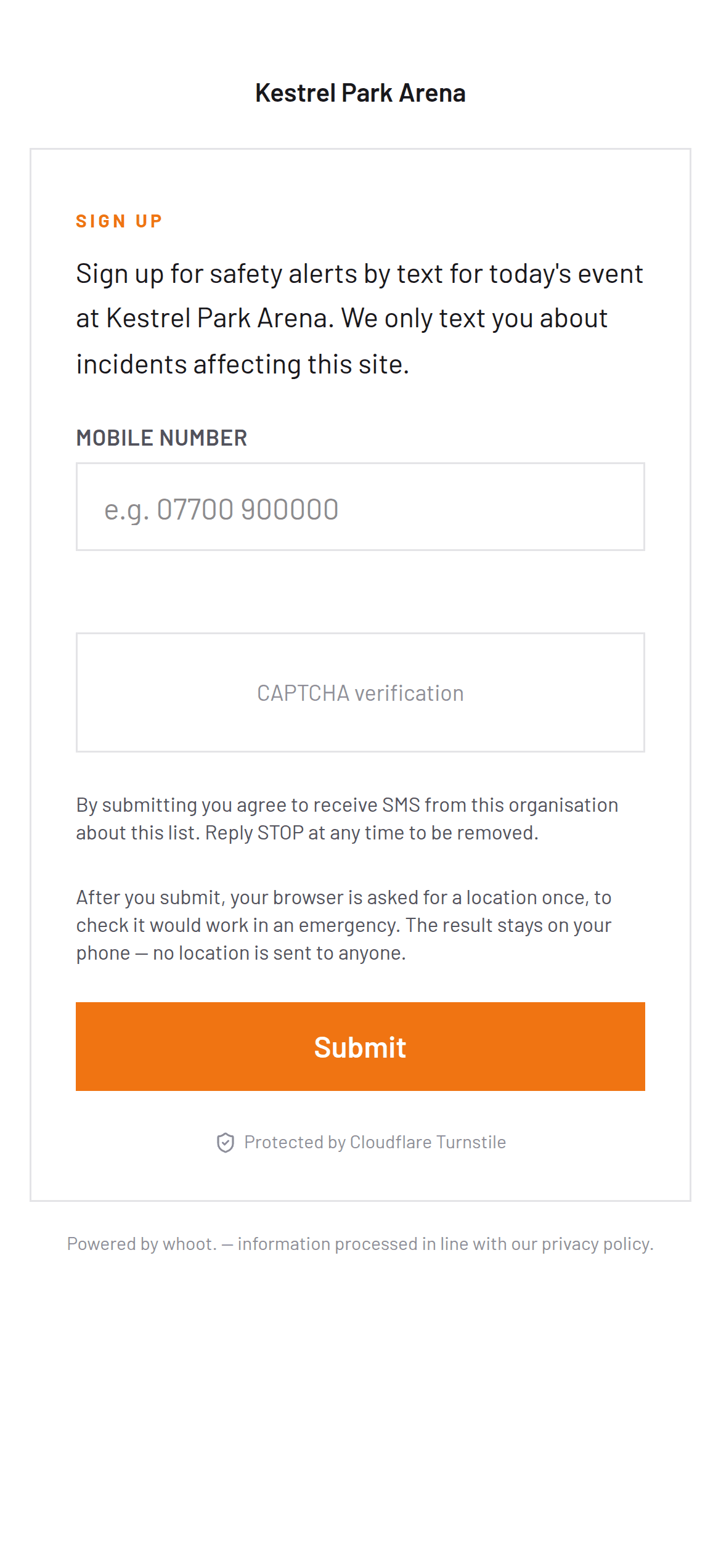
A scan opens the event’s own sign-up page. There is no app and no account to create. The number goes on the list and a welcome text confirms it. By the time the gates close, everyone who scanned can be reached in one message, and that is the list the alert will go to.

On the list so far
250
Welcome texts sent
250

Get safety alerts by text.

Scan with your phone’s camera. No app to install. Texts about today only.

Kestrel Park Arena
Saturday

whoot.whoot.

Attachment 03The poster at the gate. Demonstration; the code opens whoot.me.
The whoot. public sign-up page for a demonstration event, Kestrel Park Arena: a mobile-number field and a Submit button under a short description of the alerts
Attachment 04The sign-up page a scan opens. Actual page, demonstration event.
14:31:22

Public

Issue report from the QR poster: smoke near the loading bay, with a photo and a voice note. It lands in the one queue the whole team watches.

14:31:58

Control

Smoke near the loading bay, declared from a phone at 14:31:58.

Nobody opens a WhatsApp group or starts a ring-round. The rooms, the lists and the scenario already exist, so the response is four steps, and each one goes on this sheet as it happens.

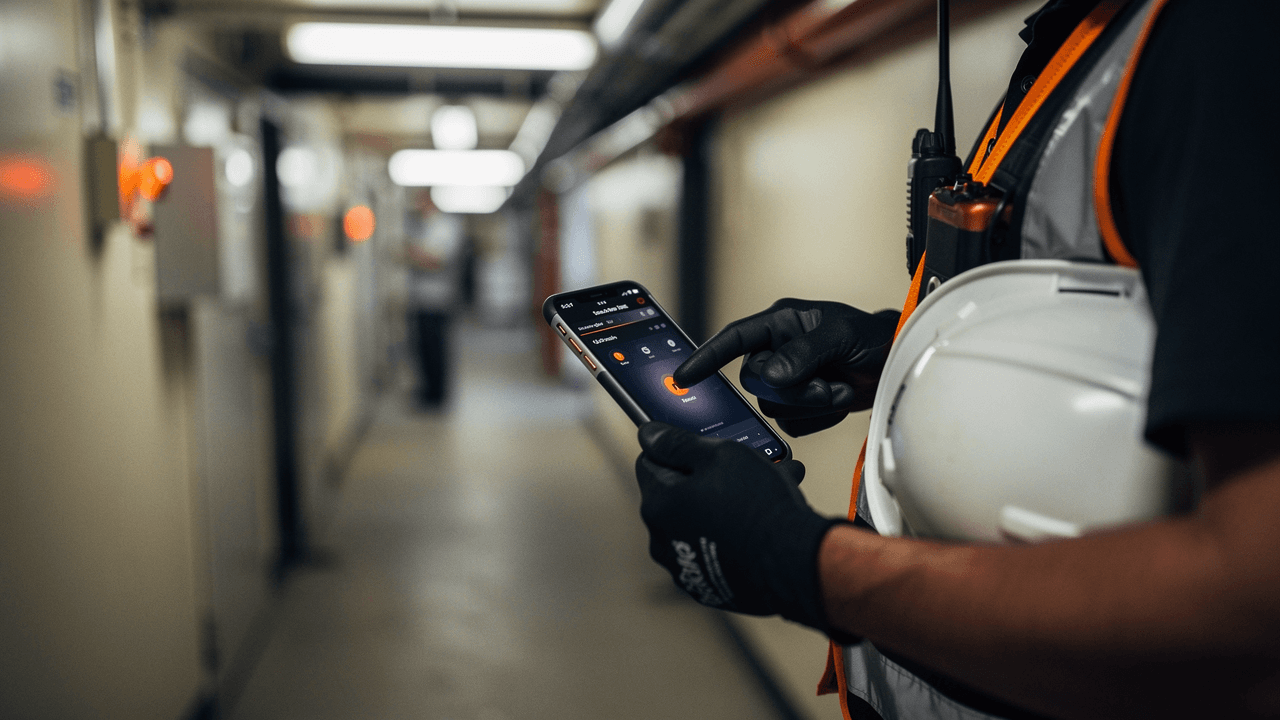
Gloved hands holding a phone in a service corridor, a radio clipped to a hi-vis vest and a hard hat under one arm
Declared from a phone.
Declared

Fire, partial evacuation, Zone B. Whoever is closest taps the scenario tile on their phone, and the response starts from there.

14:32:04

whoot.

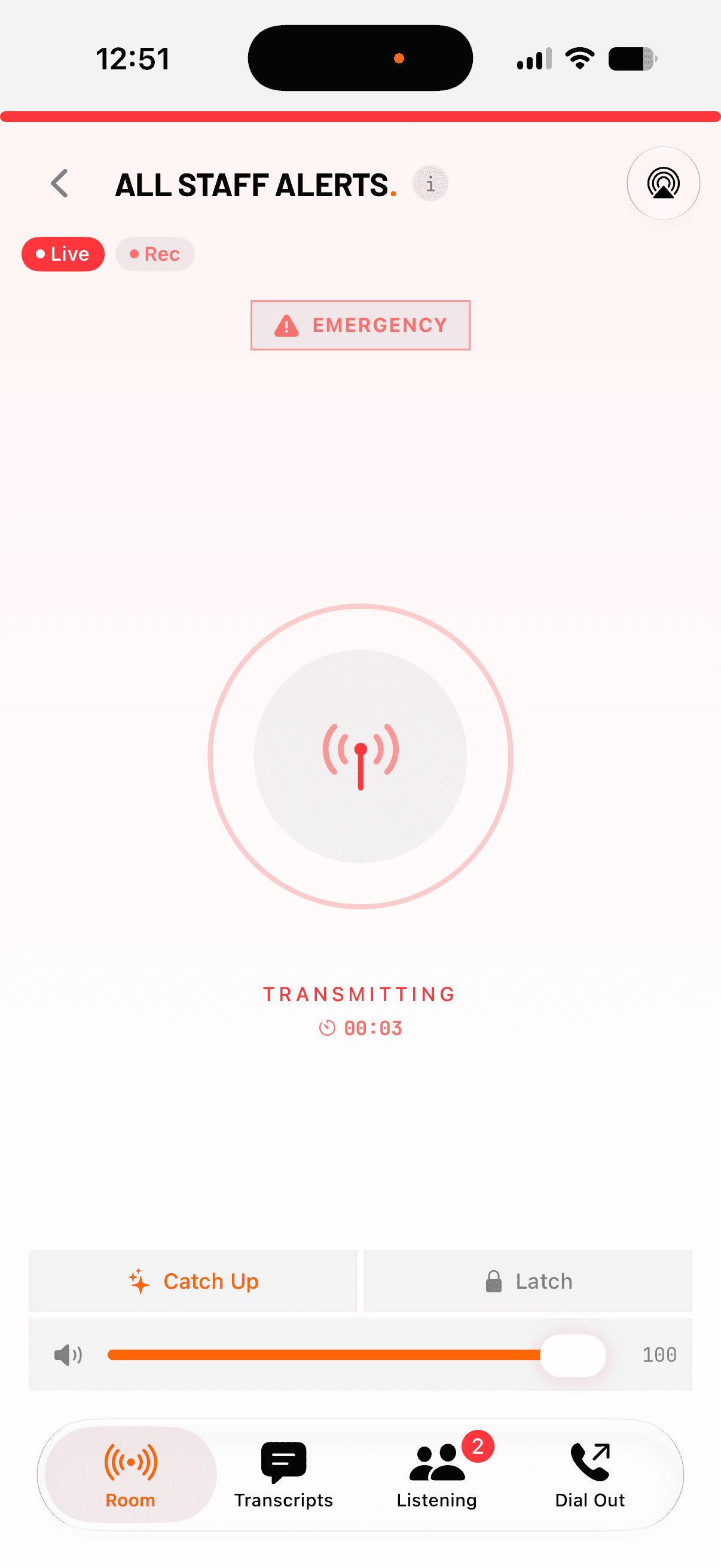
Every connected device sounds a siren, through Do Not Disturb, and every phone on the list gets a text.

Devices sirened
34
Phones texted
250
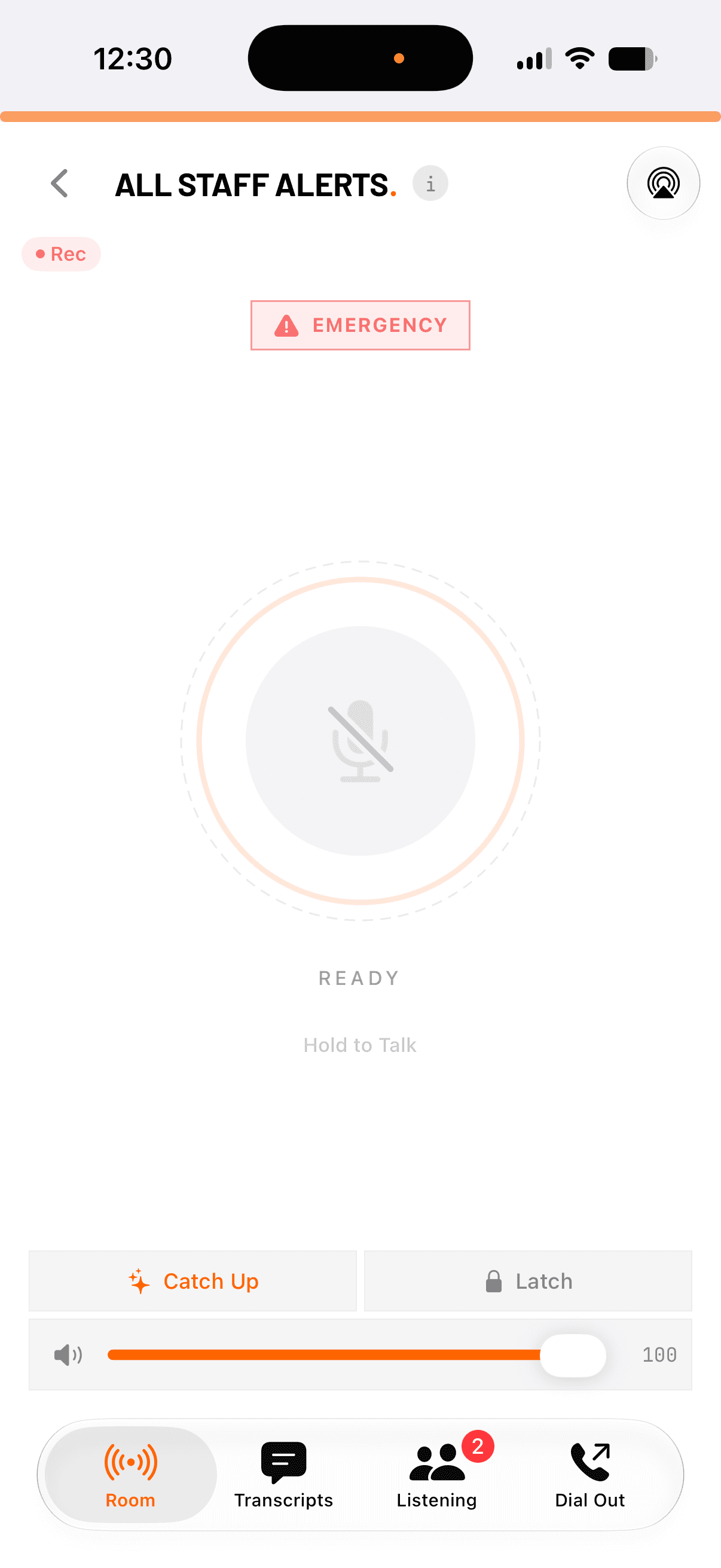
whoot. for iOS: the All staff alerts room, with the emergency control at the top and the hold-to-talk control in the centre
Attachment 05whoot. for iOS, All staff alerts. Actual screen.
Alert
14:32:19

whoot.

Each recipient opens a live page with your instructions. The team works from one map, with pings, what3words and your own venue plan on it.

Guide
14:33:40

whoot.

Check-ins and replies roll into a live count, and whoot. chases anyone who has not answered.

Accounted for247 / 250

247 confirmed safe3 being chased

G1G2G3G4NORTH STANDSOUTH STANDLOADING BAYZONE B · CORDON 30 MASSEMBLY POINT A · 247LIVE MAP · 14:33:4034 DEVICES
Attachment 06The live map at 14:33:40. Demonstration, synthetic data.
Confirm
14:47:02

Control

Stand-down. The timeline is sealed and the replay is ready.

Walk one incident end to end

Sealed
22:15

Gates closed

Every declaration, alert, reply and transmission, on one sealed timeline.

A recording and a transcript, attributed to the speaker, sit behind every line, so the review runs from the record rather than from anyone’s memory. Replay the incident end to end and export an evidence pack an inspector can verify.

Evidence pack
timeline · transcripts · audio · photos · checksums

See the review tools

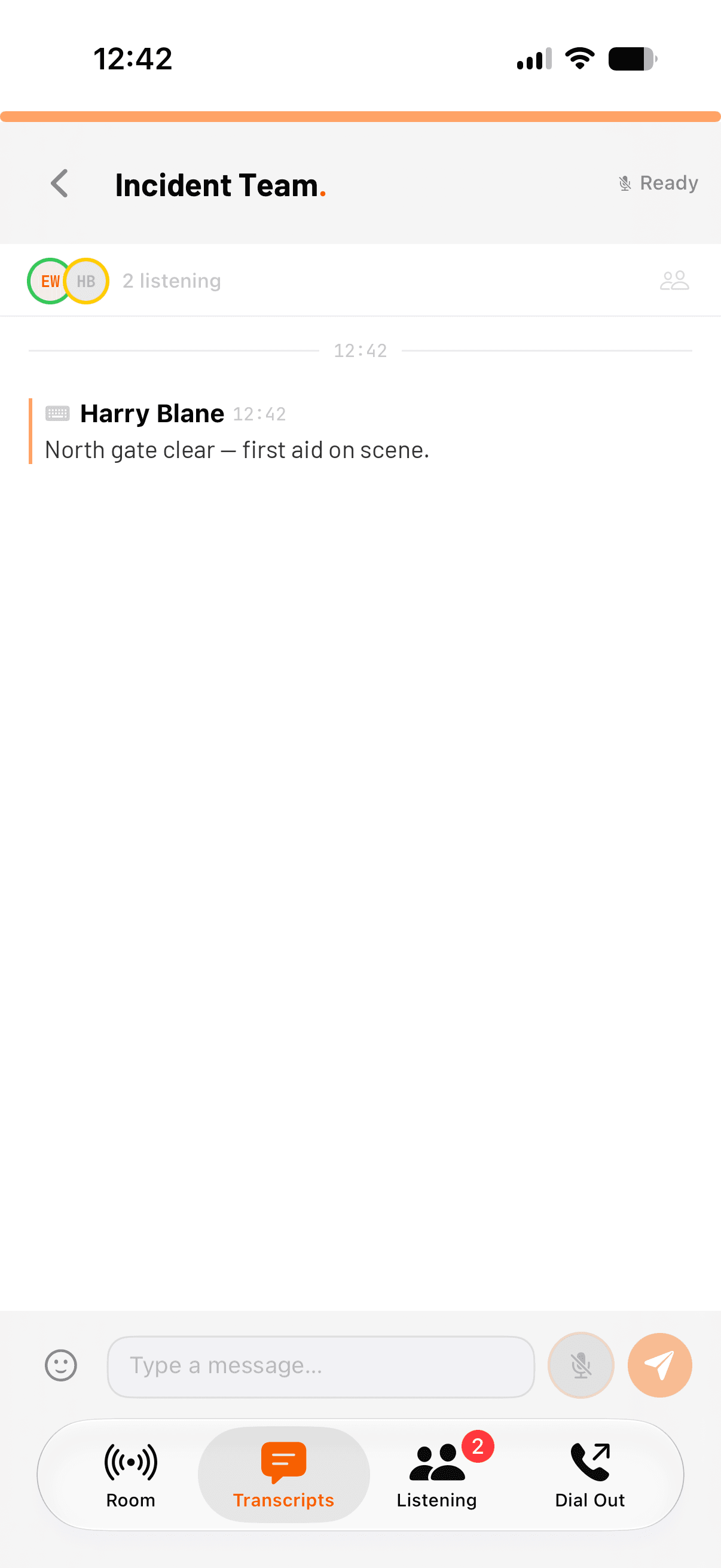
whoot. for iOS: the Transcripts view, each line attributed to its speaker with the recording behind it
Attachment 07whoot. for iOS, Transcripts. Actual screen.
End of sheet 1Back to the top
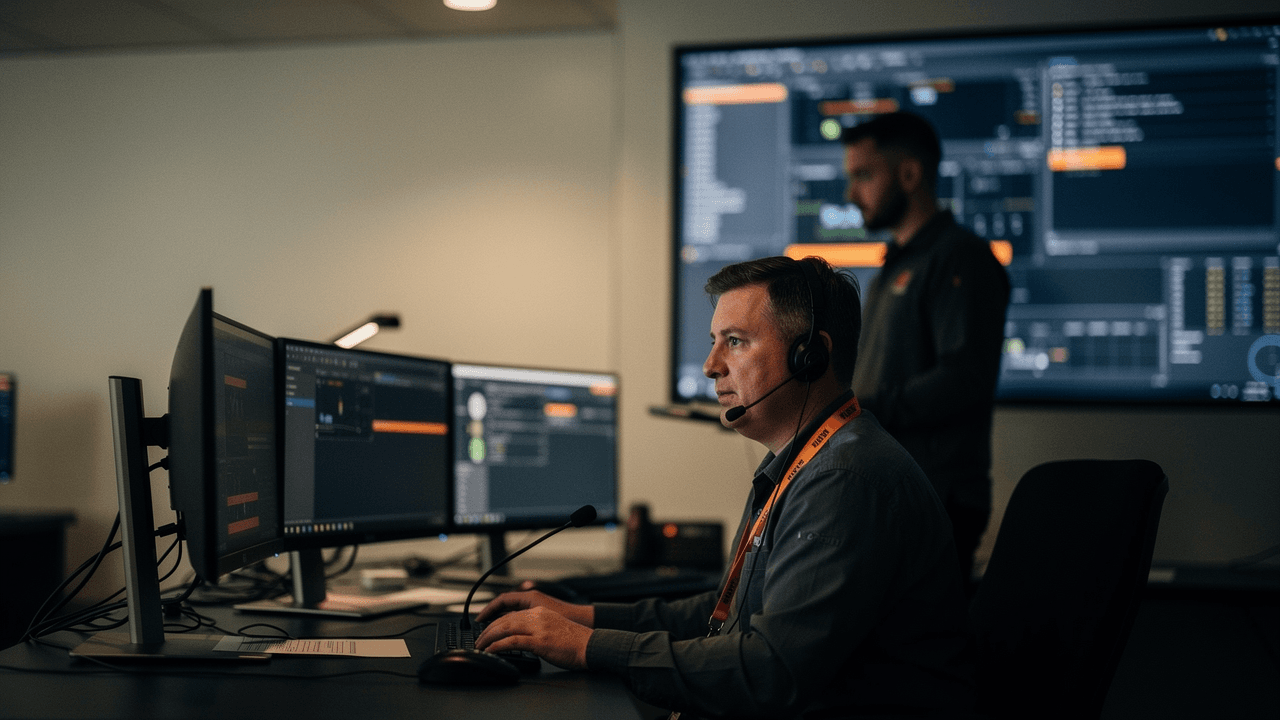
A control room operator wearing a headset with a boom microphone, working across three monitors
Event control.

Push. Talk. Heard.

A notification tool sends its message and goes quiet. whoot. is built on an always-on voice core, the rooms your teams talk in all day, so when something starts nobody has to dial in or wait for a bridge.

Every word is live, recorded and transcribed, so the record is complete without anyone stopping to write it down.

End-to-end latency
<150ms
To join a room
0 steps
Live transcription
30+ languages
Phone dial-out
40+ countries

How rooms work

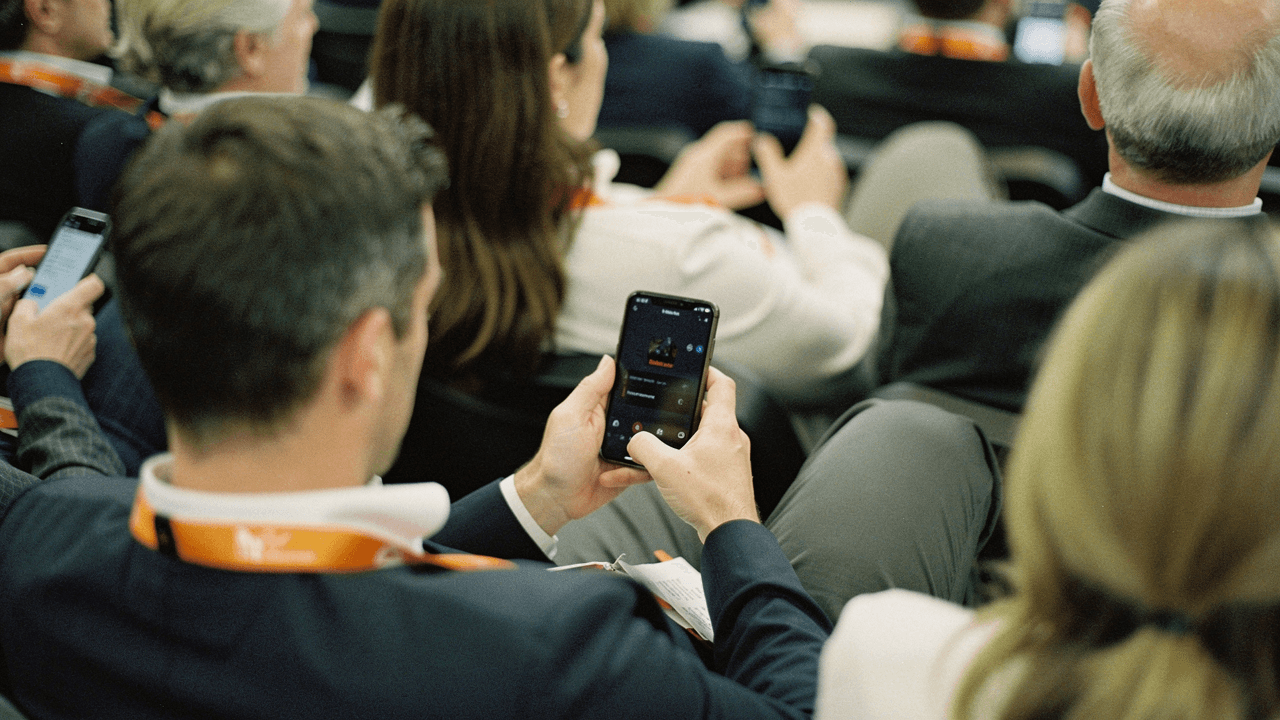
People seated in an audience reading their phones, seen from behind
Any phone, no app.

A text reaches every phone. There is no app to install.

A QR poster at the gate puts people on your list in one scan. When it matters, they get a text, a live page with your instructions and a way to answer. Replies come back to the whole team instead of sitting on one person’s phone.

Sign-up
QR poster, one scan
Reach
Two-way SMS to any phone
Instructions
Live response page
Priced by
List size, not seats

SMS alerting from £39 a month

Where it runs

Venues · Protective security · Control rooms

Venues & events

Arenas, stadia, festivals, theatres.

Zone rooms for the staff and two-way SMS for the crowd, with your own annotated plan under a live map that stays readable however many people are on it.

Venues & events · Zone rooms · Crowd SMS · Live map

whoot. for venues

Protective security

Martyn's Law.

The Terrorism (Protection of Premises) Act asks venues to notify, guide and account for people. whoot. supports those obligations, requirement by requirement.

Protective security · Notify · Guide · Account

whoot. for Martyn's Law

Control rooms

Security and operations teams.

The duty manager monitors every room live, the voice log keeps the occurrence book, and a duress phrase calls for help without sounding like one.

Control rooms · Live monitoring · Voice log · Duress phrases

See the control room tools

whoot. supports organisations in meeting their Martyn’s Law obligations. No product does that on its own, so take advice from a qualified safety professional about your premises.

Operations teamsTrader voice

Sheet 2Confirmed outcomes · Sign-off
Sep 2026

Tullio CC

Every rider signed up. Not one alert needed.

Tullio CC's event safety team put SMS emergency alerts and issue reporting in every rider's pocket. Riders signed up from a QR poster, a reporting link arrived by text just before the start, and the whole field was one message away all day. The event ran without incident.

Riders signed up
100%
Incidents
none
App needed
none
To join
1 scan

Read the Tullio CC study

Tullio CC

Sport · Cycling event. Figures from the Tullio CC case study.

Today

You

Ready before the gates open.

Set up the rooms, the lists and the scenarios this week, and run a drill next week. When something real happens, the setup already works, and everything that follows goes on the record.

Signed
Date
Start free trialBook a demo

14 days · full access · no card

whoot.

Push. Talk. Heard. Incident and crowd management for venues, events and operations, built on an always-on voice core.

  • whoot. on LinkedIn (opens in a new tab)
  • whoot. on Instagram (opens in a new tab)

Product

  • Features
  • Incident management
  • Pricing
  • Roadmap
  • Documentation
  • iOS app (opens in a new tab)
  • Android app (opens in a new tab)

Use cases

  • All use cases
  • Venues & events
  • Incident response
  • Financial services
  • Operations teams
  • Trader voice
  • Martyn's law

Company

  • About
  • Case studies
  • Blog
  • Investors
  • Contact
  • System status

Legal

  • Privacy
  • Terms
  • Acceptable use
  • Security
  • Accessibility

© 2026 Eager Lobster Ltd, trading as whoot. Registered in England and Wales, company number 17038042.

Registered office: First Floor, 1 Des Roches Square, Witan Way, Witney, OX28 4BE. Prices exclude VAT and other applicable taxes.

all systems operational